
You can easily manage Firebase integration from the Firebase Settings section in your admin panel.
Steps to Get Started: #
- Go to Firebase Console
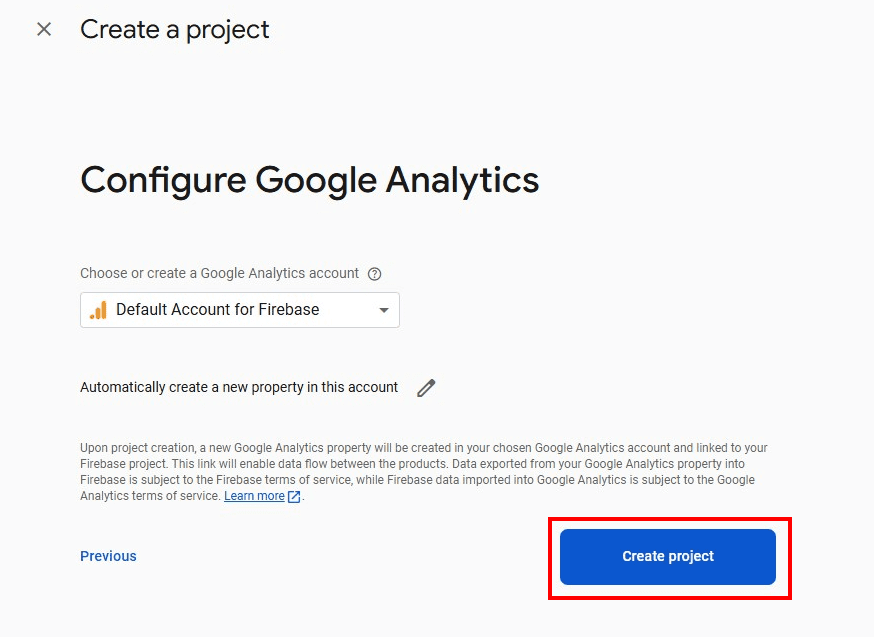
- Create a Project if you don’t have one
- Open Your Project and go to Project Settings
- Scroll down to Service Accounts
- Click Generate New Private Key and download the JSON file
- Now go back to your Admin Panel → Firebase Settings
- Upload the JSON key file and click Submit
This setup is required to enable features like push notifications, authentication, or real-time data using Firebase.

Create Project



Project Settings

Generate key

Generate Key pair

The Firebase json file is upload
Go to Admin Panel → System Management → Third-Party → Firebase Settings


