The Media Manage section allows you to upload and manage all images used across your platform.
To access: Go to Admin Panel → System management → Media
- Use the Search bar to find media by name
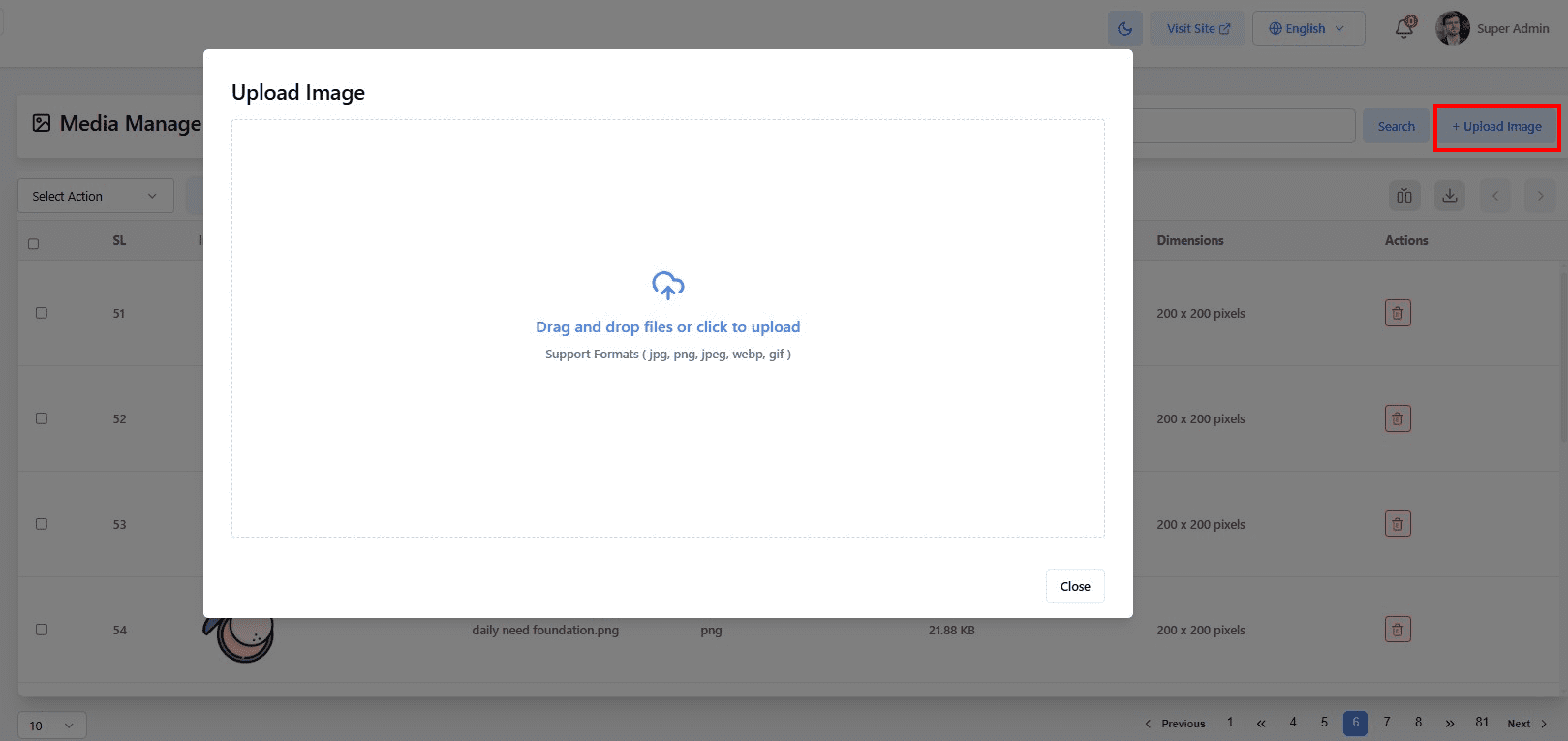
- Click + Upload Image to add new images to your library


< 1 min read
The Media Manage section allows you to upload and manage all images used across your platform.
To access: Go to Admin Panel → System management → Media


