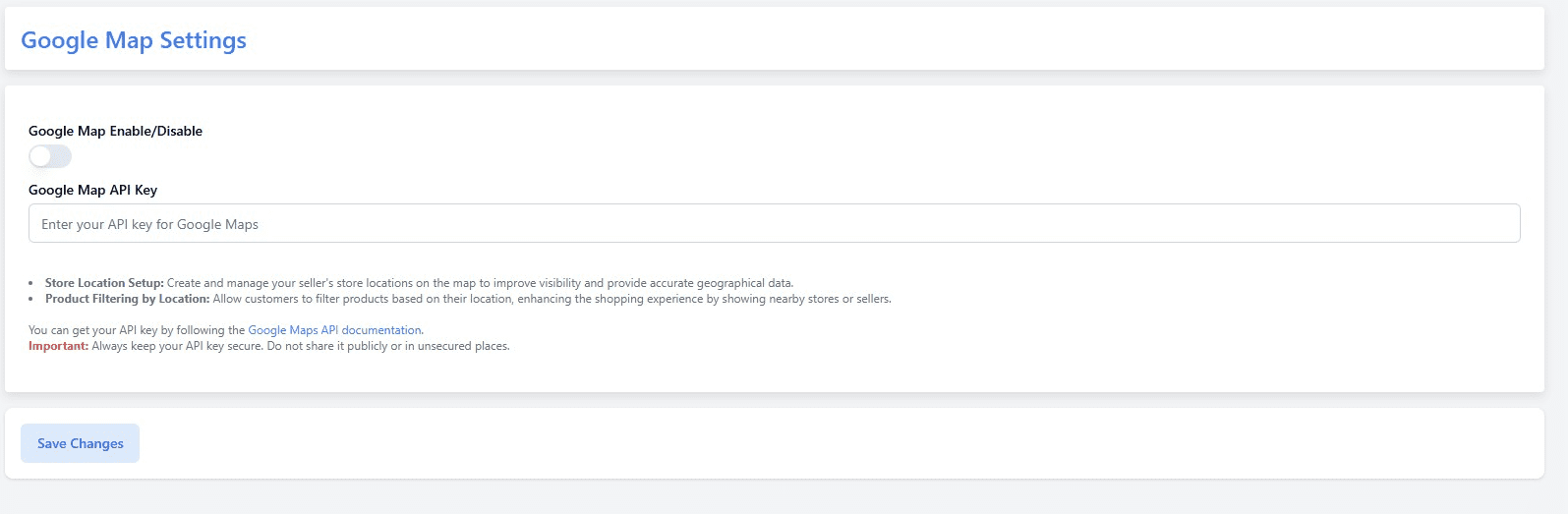
The Google Map Settings section allows you to integrate Google Maps into your platform to enhance location-based features. #
Configuration Steps: #
- Go to Admin Panel → Business Settings → Google Map Settings
- Toggle Google Map Enable/Disable to activate or deactivate map functionality
- Enter your Google Map API Key
✉️ You can obtain your API key by following the official Google Maps API Documentation
Features Enabled by Google Maps: #
- Store Location Setup: Manage store locations on the map for sellers, improving visibility and providing accurate geo-data.
- Product Filtering by Location: Customers can filter products based on their current or selected location, helping them find nearby stores or sellers more efficiently.
⚠️ Important: Always keep your API key secure. Do not share it publicly or expose it in unsecured files.
Click Save Changes to apply your Google Maps configuration.